Map making was an interesting challenge I had to tackle. Creating good maps is important since no one wants to wander around an empty rectangle looking for the next plot point. So I’ve been tacking map creation!
RPG Maker MV’s lovely map creation
I’ve gotta say, map making in RPG Maker MV is pretty enjoyable! All it took was some brief tutorials and I was on my way. Like most of RPG Maker MV, no coding is involved, just a lot of clicking. And with some practice, I was even able to create some maps I’m pretty proud of!
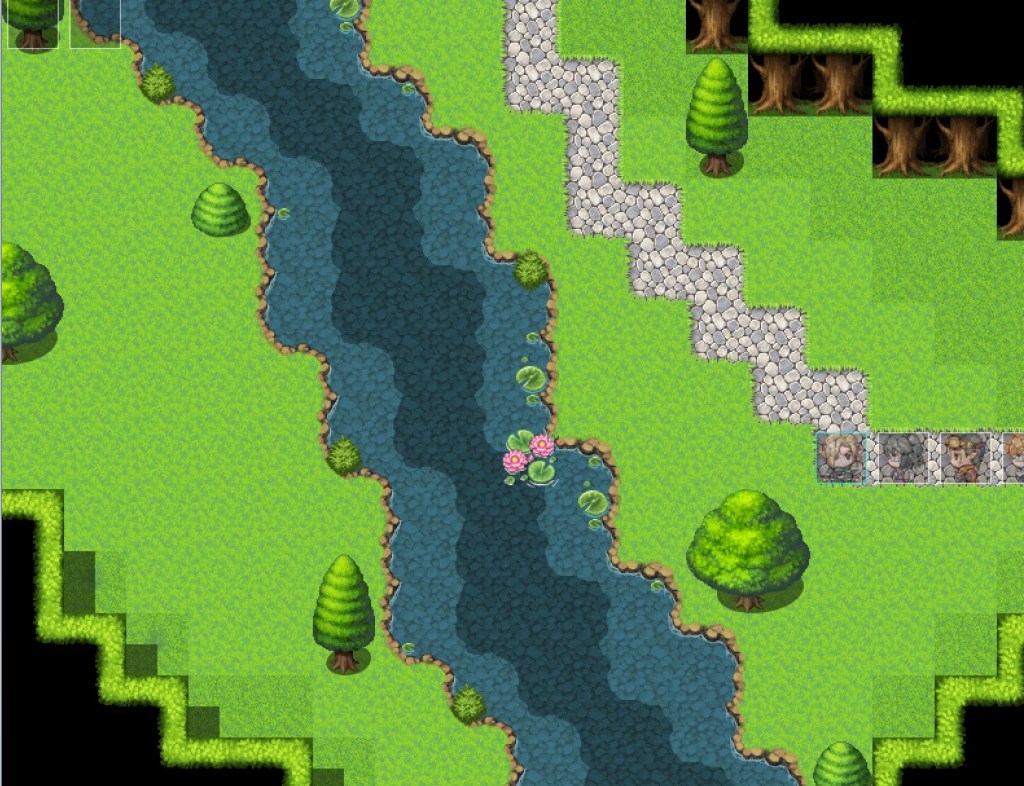
If you’ve read some of my previous posts, this map should look familiar. It’s one of the most recent maps I’ve created. My first maps didn’t look nearly as good.
How bad could the maps be?
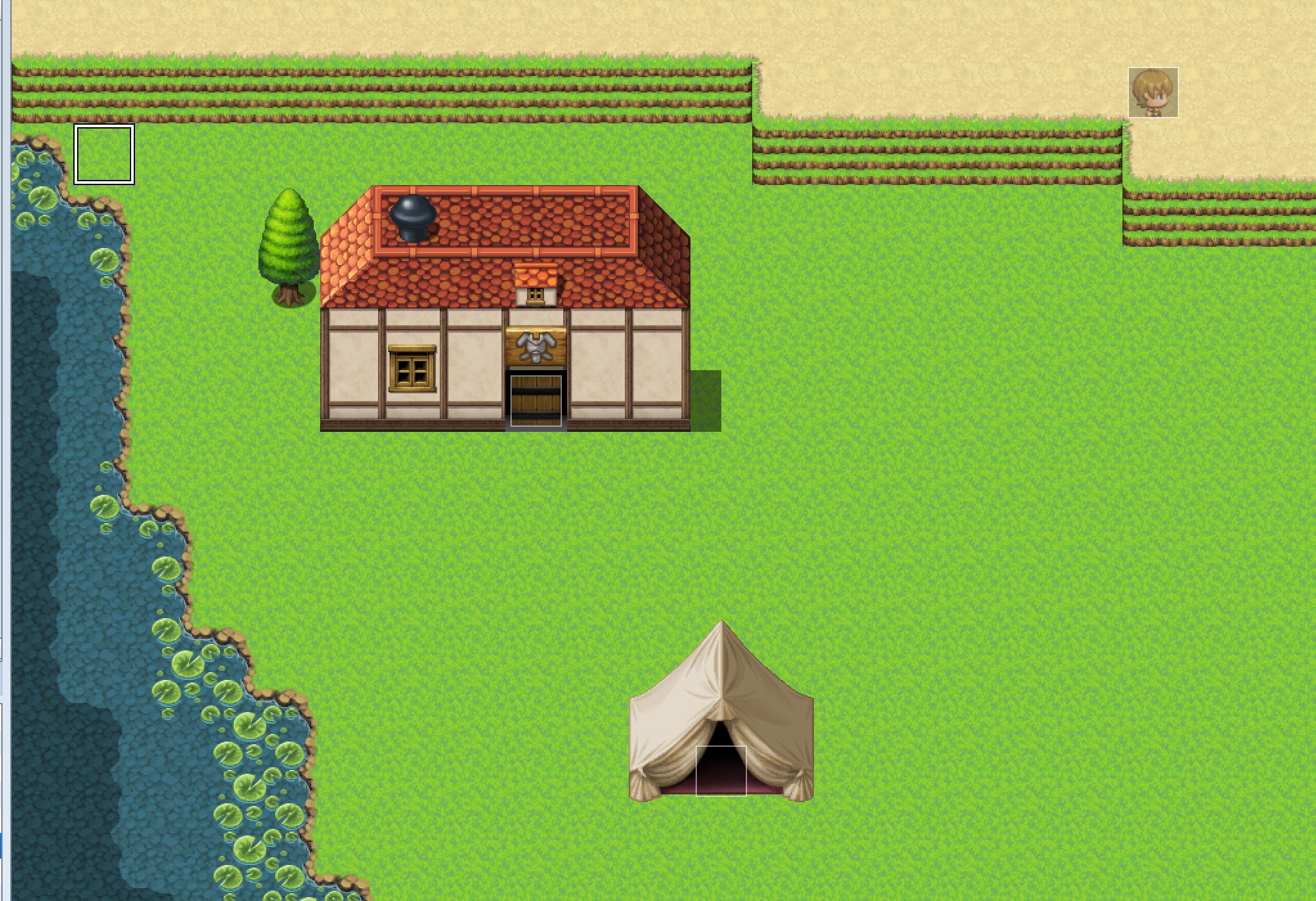
This was one of the first maps I ever created. It’s basically barren, aside from the structures and the child NPC in the upper right corner. (Side note, this is the child NPC I talked about in my post from two weeks ago.)
The actual map is quite a bit bigger than what’s in this picture. And the rest is just as boring. At some point, I’ll go back and redo this map, but for now, it serves its role as a placeholder when I’m playtesting.
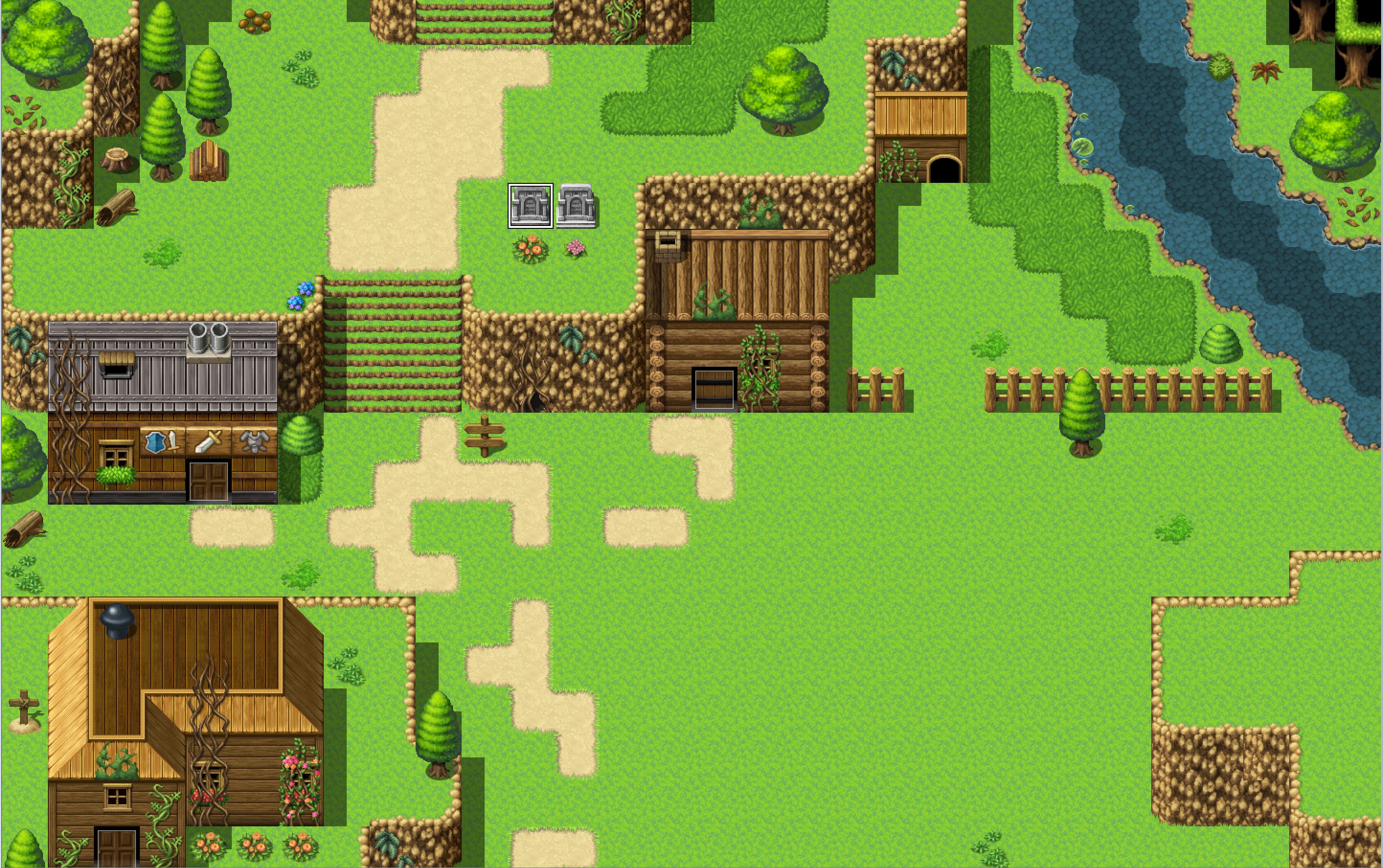
This map is still a work in progress. It’s supposed to be an abandoned mountain town. (Hence the excessive amount of vines.) This map is far from perfect, but it’s definitely a step above the previous town map. There’s variety in the buildings, but they all look like they might belong in the same town. And there’s more decoration and scenery. I might have gone overboard in some places, but it won’t take much to trim it down.
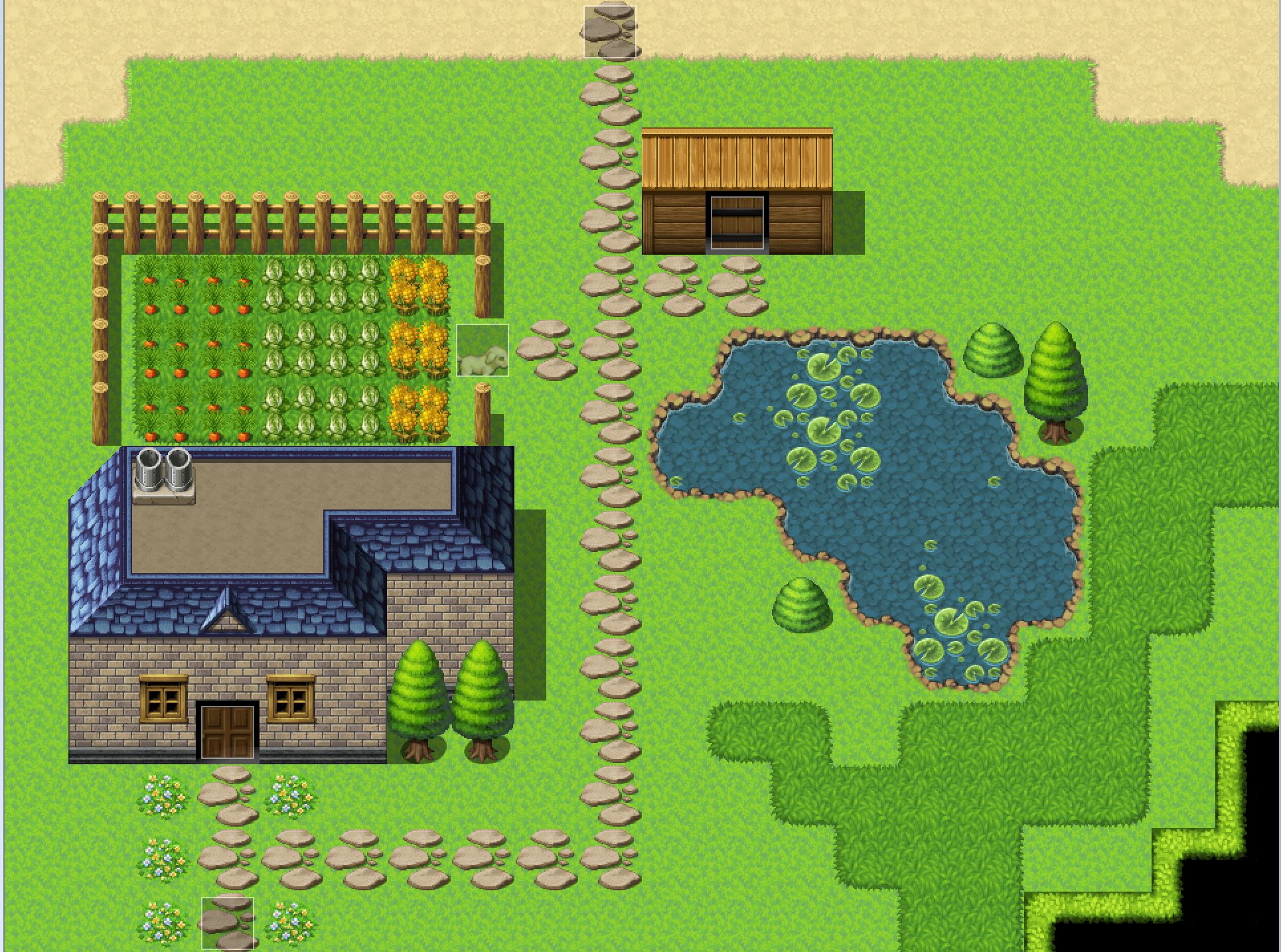
This map is one I’d rate as somewhere in the middle. It’s not my favorite, but I’d say it’s fairly nice. It was one of my earliest maps, but I’ve done my best to make it look better. Although I could probably cut down on the amount of extra green grass in the right-hand corner.
The shadow pen’s usefulness
I believe the shadow pen is one of the most underrated features of RPG Maker MV’s map creation. It’s pretty darn useful. RPG Maker MV does it’s best to try to add shadows where it believes they should be, but having the ability to place them myself is helpful.
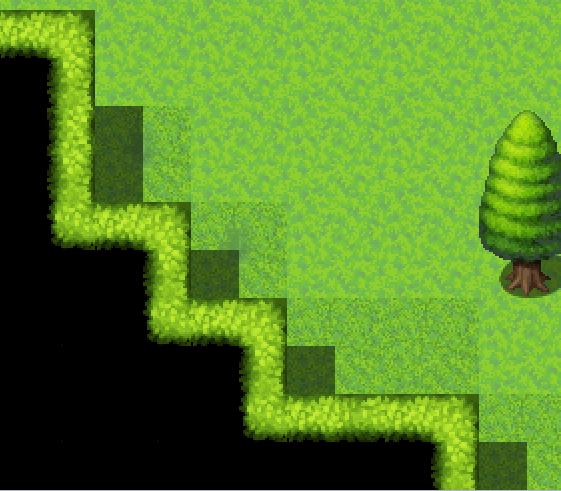
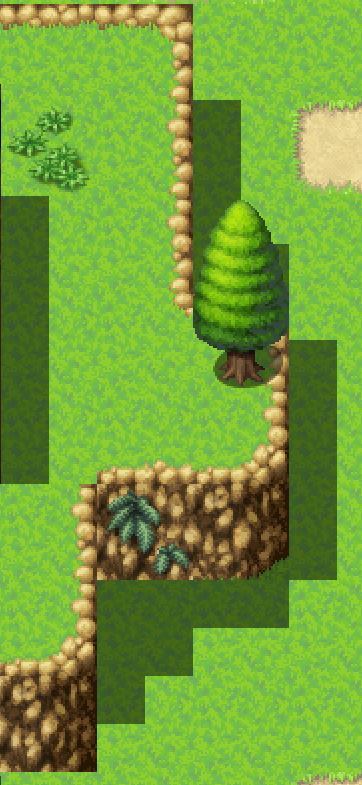
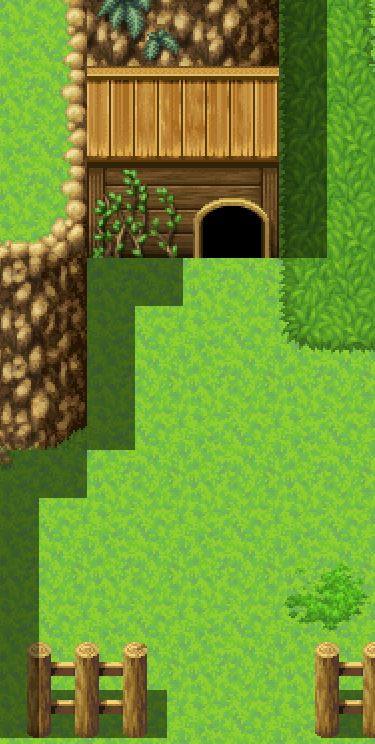
Above are examples of places where I used the shadow pen tool to add some depth to my maps. You might recognize them from two of the maps I showed today.
In conclusion
Thank you for reading this post! Feel free to post a comment down below! And now, I’d like to ask you guys, what was your favorite map?
 Developing for Fun: My First Game